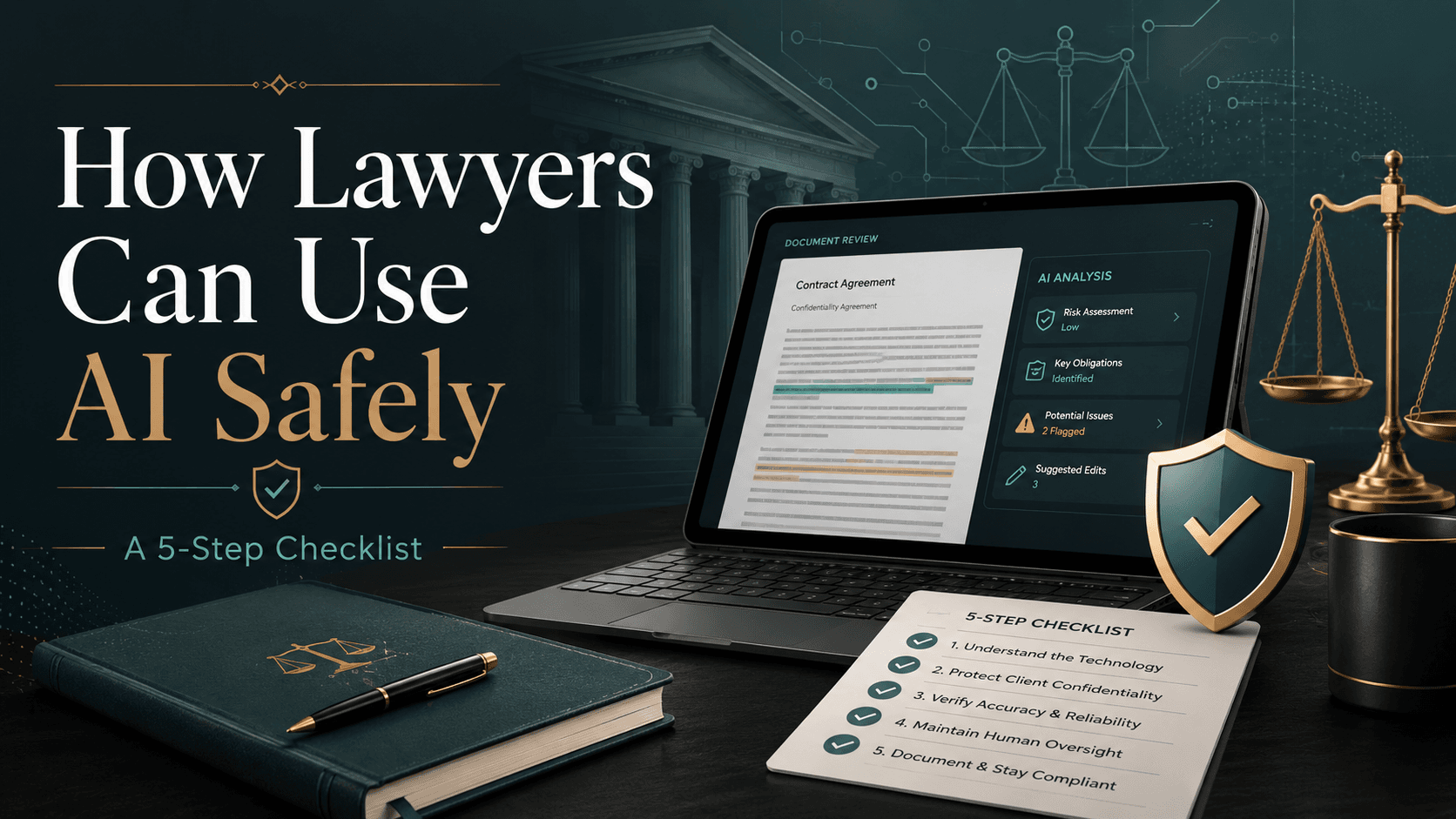
Lawyers can use AI safely by following five non-negotiable safeguards: use approved tools for confidential work, verify every citation and legal proposition, require lawyer review before anything is relied on, check drafts against the underlying record, and document how AI was used. In practice, safe legal AI use is less about trusting the tool and more about building a workflow that keeps legal judgment, confidentiality, and accountability with the lawyer.
AI is already part of day-to-day legal work in many jurisdictions. Lawyers use it for research, summaries, contract review, first drafts, issue spotting, and client communications. The question is no longer whether AI belongs in legal workflows. The real question is how to use it without creating avoidable risk.
This checklist is for law firms, in-house teams, litigators, junior lawyers, and law students who want a practical framework. It is jurisdiction-neutral by design: always check your local bar rules, court guidance, client outside counsel guidelines, and your organization’s internal policies before using any AI system on real matters.
The AI Safety Checklist for Legal Work
- Confidentiality: Am I allowed to upload this information into this tool?
- Citation accuracy: Have I opened the actual case, statute, regulation, or source?
- Legal judgment: Has a qualified lawyer reviewed the output before use?
- Source match: Does the draft match the term sheet, emails, pleadings, evidence, and client instructions?
- Accountability: Have we recorded what AI was used for and what checks were completed?
If you are still setting internal ground rules, start with how to get started with legal AI and pair it with this checklist for day-to-day use.
1. Use Approved Tools for Confidential Legal Work
The first rule is simple: do not upload confidential, privileged, personal, or strategically sensitive material into a tool unless your firm or legal department has approved it for that use case.
A lawyer under deadline pressure may paste settlement terms, witness notes, internal strategy, contract comments, or client business facts into a public chatbot just to get a faster summary. The immediate output may seem useful, but the real issue is governance. Where is the data stored? Who can access it? How long is it retained? Can it be used for training or product improvement? Can it be deleted on request? Those questions matter before the prompt is entered, not after.
Bar associations in multiple jurisdictions have issued AI guidance that generally points in the same direction: lawyers must protect client confidences, understand the technology well enough to use it competently, and supervise the work product that comes out of it. The exact rule wording varies, so check your local requirements.
What to check before uploading anything
- Whether the material is confidential, privileged, regulated, client-identifying, or commercially sensitive.
- Whether your firm, chamber, or legal department has approved the tool for that category of work.
- What the provider says about storage, retention, deletion, access controls, and model training.
- Whether the task can be completed with anonymized, redacted, or synthetic facts instead.
- Whether you could comfortably explain the upload to the client, a partner, a regulator, or a court.
Good habit: If you cannot explain where the data goes, do not upload it.
For teams handling client matters at scale, secure workflows matter as much as prompts. That is why many firms look for purpose-built systems rather than general tools, especially in law firm, litigation, and in-house environments.
2. Verify Every Citation and Every Legal Proposition
Citation risk is one of the fastest ways AI-assisted legal work can fail. Sometimes the problem is an invented citation. Sometimes the cited source is real, but the description is wrong, incomplete, outdated, or pulled from the wrong jurisdiction. The second category is often more dangerous because it looks credible at first glance.
This risk is not theoretical. In Mata v. Avianca (S.D.N.Y. 2023), lawyers were sanctioned after court filings included fabricated case citations generated through AI use. The broader lesson was not merely “do not use AI.” It was that lawyers remain responsible for checking authorities before relying on them.
A source existing is not enough. You need to confirm that it supports the exact proposition in your draft, in the jurisdiction and procedural posture that matter for your issue. If your team wants a deeper look at this problem, see AI for legal research without risking bad citations and whether AI-generated legal work is reliable.
Citation verification checklist
- Open the original source instead of relying on the AI summary.
- Read the relevant paragraph, section, page, or holding yourself.
- Check the court, tribunal, regulator, jurisdiction, date, and current status.
- Confirm the source supports the precise sentence you plan to use.
- Delete or rewrite any proposition that cannot be independently verified.
Good habit: Never send an AI-generated citation to a client, court, counterparty, or colleague without opening the underlying source.
3. Keep Lawyer Review Non-Negotiable
AI can be fluent without being right. It can produce a memo, clause, email, or argument that sounds polished, uses the right vocabulary, and follows familiar structure while still missing the client’s objective, overstating the law, or flattening an important factual nuance.
That is why lawyer review cannot be reduced to a quick skim. A qualified lawyer has to assess whether the output is legally sound, factually accurate, strategically appropriate, and fit for the audience. In most legal settings, that review is the line between assistance and unacceptable reliance.
This is especially important for junior lawyers and students because polished output can create a false sense of completion. If you want practical guidance on using these tools without weakening professional judgment, read AI for junior lawyers.
Where lawyer judgment must come in
- Choosing the correct legal standard, test, or framework.
- Applying law to the client’s facts and risk profile.
- Assessing litigation, enforcement, reputational, and commercial consequences.
- Deciding what to include, narrow, escalate, soften, or leave out.
- Approving anything that leaves the organization or influences a legal decision.
Good habit: Treat AI output as a draft to supervise, not an answer to adopt.
For a fuller discussion of where AI helps and where lawyers still matter, see how lawyers actually use AI in practice.
4. Cross-Check the Final Draft Against Source Materials
There is a difference between reading a draft and validating it. A document can sound coherent and still be wrong because it does not match the term sheet, email chain, witness record, pleading history, internal instruction, or governing source material it is supposed to reflect.
This is where many AI mistakes survive. The model fills gaps smoothly. It may infer a missing step, average out inconsistent facts, or use a standard clause that sounds sensible but does not reflect the actual deal or dispute. That is why final review has to move outward from the polished draft back to the record.
Cross-checking is especially important in contracts, due diligence reports, legal opinions, board materials, witness chronologies, pleadings, and client updates. If your work often involves contracts, you may also find what AI catches in contract review and where lawyers still matter useful.
Source materials to check against
- Term sheets, markups, side letters, and negotiation emails.
- Client instructions, meeting notes, comments, and approvals.
- Precedents, playbooks, and internal drafting standards.
- Pleadings, exhibits, evidence files, and procedural history.
- Statutes, regulations, judgments, court rules, and official guidance.
Good habit: If the source materials and the AI draft conflict, the source materials win.
5. Document Where and How AI Was Used
The most overlooked safeguard is documentation. If AI was used to summarize, research, draft, redline, or organize a matter, there should be a simple internal record of what was done and what checks followed.
This does not need to become bureaucracy. Even a short note in the matter file or knowledge system can create accountability. If a question arises later, the team should be able to identify what task was AI-assisted, whether confidential information was involved, who reviewed the output, and what verification steps were completed.
Documentation becomes more important when several lawyers touch the same matter, when drafts evolve across versions, or when a client asks about technology use and supervision. It also helps legal operations teams build repeatable workflows over time, especially in corporate legal and high-volume review settings.
What to record
- The tool used and the date or version of use.
- The task performed, such as summary, research, drafting, review, redline, or issue spotting.
- Whether confidential information was uploaded, anonymized, or excluded.
- The checks completed for citations, factual accuracy, and source alignment.
- The lawyer or reviewer who approved the final output.
Good habit: Keep a short AI-use note for any matter where the output could influence advice, drafting, filing, negotiation, or client communication.
The One-Minute Habit Before Using AI Output
Before you rely on any AI-assisted sentence, ask one question: would I be comfortable defending this exact wording to a client, partner, regulator, or judge right now, without changing it?
- If yes: Use it only after your required checks and review are complete.
- If no: Re-check the source, rewrite the sentence, escalate for review, or remove it.
- If you are not sure: Treat it as not ready. Uncertainty is a reason to verify, not to publish.
That one-minute pause helps prevent a common failure mode in AI-assisted work: confusing fluency with reliability.
How Lexi Supports Safer Legal AI Workflows
Responsible legal AI use is not about avoiding AI altogether. It is about placing AI inside a controlled workflow where lawyers stay responsible for judgment and approval.
Lexi is built for legal teams that want speed without giving up control. It helps lawyers work across research, drafting, redlining, summarizing, and review while keeping outputs tied to legal workflow discipline. Lexi has processed more than 5,000,000 documents across 200,000+ cases for 200+ organizations, helping some teams handle 45% more cases per attorney while saving 10+ hours per lawyer per week.
In practice, safer legal AI workflows should make it easier to protect client data, draft in the organization’s style, review contracts with redlines, verify citations, and keep final decisions with human lawyers. That is the difference between faster work and careless work.
The Takeaway
The lawyers who use AI safely are not the ones who trust it most or least. They are the ones who use it inside a repeatable review process.
Use AI to accelerate the parts of legal work that benefit from speed: organizing files, comparing documents, drafting first versions, summarizing long materials, and surfacing issues. Then slow down where legal responsibility actually sits: confidentiality, authority checking, factual alignment, judgment, and final sign-off.
If you want a practical next step, combine this checklist with a tool designed for legal workflows and a team policy that everyone can follow consistently.
FAQ
Can lawyers use AI for legal drafting safely?
Yes, if they treat AI output as a first draft, not a final product. Safe drafting requires approved tools, source checks, lawyer review, and confirmation that the final language matches the client’s instructions and the governing documents.
How do lawyers verify AI-generated legal citations?
They should open the original authority, read the relevant passage, confirm jurisdiction and currentness, and ensure the source supports the exact proposition stated. A citation that looks plausible is not enough.
Is it safe to upload client documents into AI tools?
Sometimes, but only if the tool is approved for confidential legal work and the data handling terms are acceptable for that matter. In many cases, lawyers should redact, anonymize, or avoid uploading sensitive information unless internal policy clearly permits it.