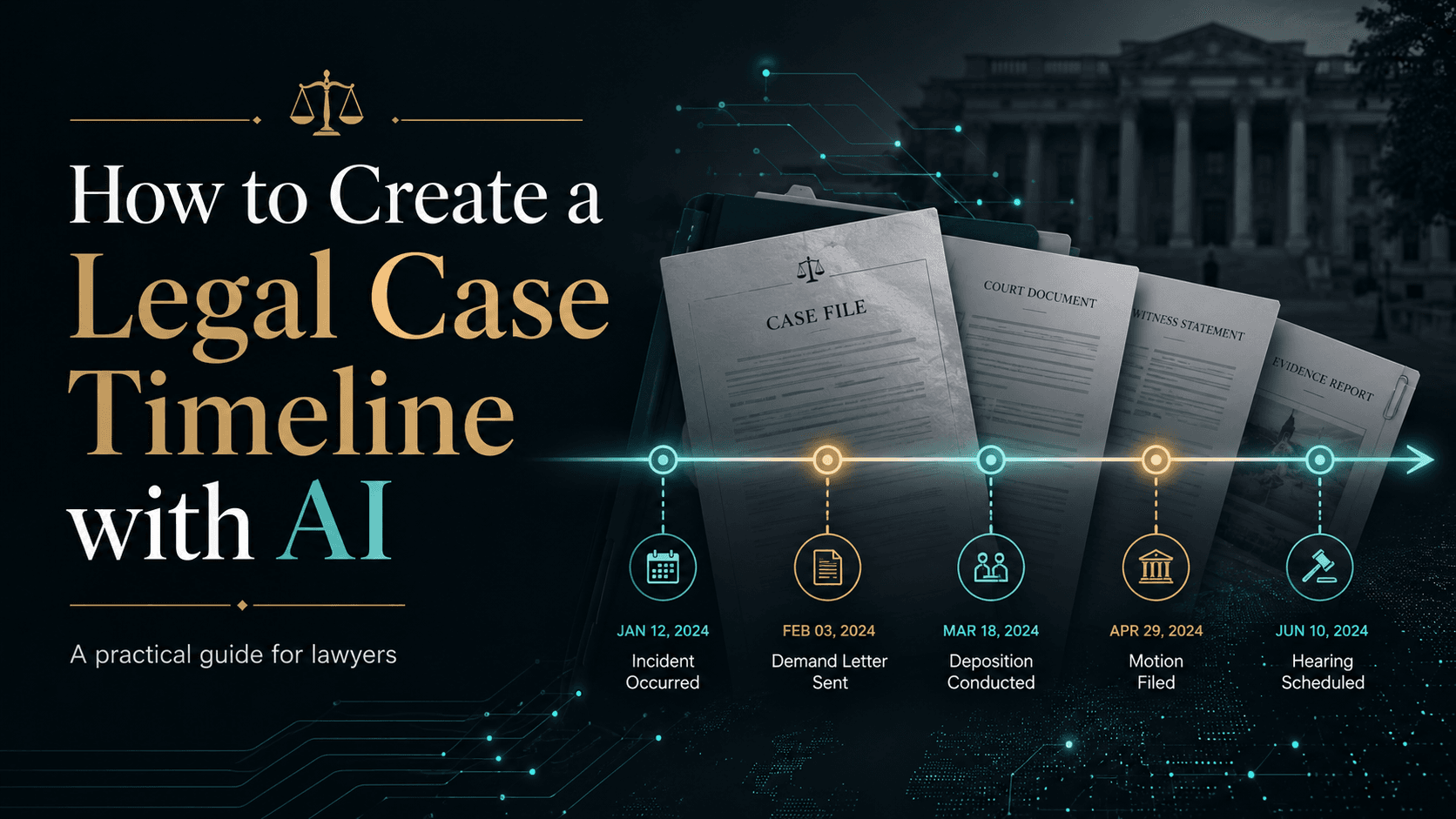
An ai legal case timeline helps lawyers turn scattered emails, pleadings, notices, orders, contracts, and correspondence into a chronological, source-linked first draft of the facts. Used properly, it can extract dates, events, parties, and supporting documents faster than manual review, but lawyers should still verify critical entries before relying on the timeline for strategy, pleadings, hearings, or client advice.
Every litigation matter eventually comes down to a simple question: what happened, and in what order?
The answer rarely sits in one clean document. It is usually spread across emails, notices, pleadings, orders, contracts, call notes, and internal or external correspondence. Piecing that sequence together by hand is one of the slowest parts of case preparation.
AI can help turn that scattered record into a workable chronology. But a legal case timeline is not just an administrative summary. It can shape case theory, pleadings, settlement discussions, witness preparation, and client communication. That is why AI should be used to create a faster first draft, while lawyers remain responsible for verification and legal judgment.
What Is a Legal Case Timeline?
A legal case timeline, sometimes called a case chronology, is a dated record of significant events in a matter. It shows what happened, when it happened, who was involved, and which document supports each event.
That matters because legal disputes rarely arrive as a neat story. A lawyer may need to understand months or years of activity across multiple document types before the pattern becomes clear. A good timeline converts a messy file into an ordered view of the matter.
It helps lawyers answer questions such as:
- When did the dispute begin?
- Which party had notice of the issue?
- When did correspondence escalate?
- Which documents support the key facts?
- Are there gaps in the record?
- Which dates may matter legally?
A timeline is not just a list of dates. It is a tool for understanding the case narrative and testing it against the source material.
Why Manual Case Chronologies Take So Long
Building a chronology manually often means reading each document one by one and logging every relevant event into a spreadsheet or memo. That sounds manageable until the file grows.
One email may mention a meeting. A later notice may refer to the same meeting with a different date. A pleading may describe the event differently again. The lawyer then has to compare documents, reconcile differences, and decide which date or description is most reliable for the task at hand.
This is why chronology work becomes tedious. The lawyer is not only listing events. The lawyer is also checking whether the record is complete, whether dates conflict, and whether the same event appears multiple times in different forms.
The challenge becomes harder when the file includes:
- long email chains
- multiple versions of notices
- pleadings and replies
- scanned documents
- orders and hearing records
- contracts and amendments
- witness statements
- internal notes or correspondence
A missed entry can alter the story. A wrong date can affect issues such as notice, delay, causation, breach, damages, or deadlines in many jurisdictions. That is why chronology building often consumes substantial lawyer time before the real strategic analysis even begins.
How to Create an AI Legal Case Timeline Step by Step
AI works best as a structured first-pass review tool, not as a final authority. A practical workflow usually looks like this.
1. Collect the relevant case documents
Start by gathering the documents that may contain timeline events. This often includes emails, pleadings, notices, contracts, orders, invoices, correspondence, witness statements, and meeting notes. The quality of the timeline depends on the quality of the input. If important documents are missing, the chronology may look complete while still telling an incomplete story.
2. Upload documents into a secure legal workspace
For confidential or privileged material, use tools approved for legal work. Avoid uploading sensitive client documents into systems that have not been reviewed for confidentiality, access controls, retention, and data-use practices. If you are evaluating safe workflows more broadly, see how lawyers can use AI safely.
3. Extract dates, events, parties, and source references
The system should identify dated events across the document set and structure the basic details: date, event, parties involved, source document, relevant excerpt, issue category, and possible legal significance. This gives lawyers a starting point that is far more useful than a blank spreadsheet.
4. Merge duplicate references to the same event
The same event may appear in multiple documents. An email, a notice, and a pleading may all refer to the same meeting or communication. A useful workflow groups those references together instead of treating each mention as a separate event. This reduces noise and helps lawyers focus on the underlying fact pattern.
5. Flag conflicting dates and descriptions
Conflicting dates are common in litigation files. One document may say a notice was sent on one day, another may say it was received later, and a third may describe a different effective date. Those differences can matter. AI can surface the conflict, but a lawyer must decide which date is legally relevant for the specific issue.
6. Identify visible gaps in the chronology
A strong timeline should also reveal what may be missing. If there is steady correspondence for weeks and then silence before a major event, that gap may deserve investigation. Gaps can point to missing documents, unproduced communications, or periods that require factual development.
7. Tag legally significant events
Not every event deserves equal weight. A scheduling email is not the same as a breach notice, admission, termination letter, payment default, or court order. The timeline should distinguish routine events from those that may affect legal position, credibility, or strategy.
8. Verify and export the timeline
Before using an AI-generated chronology in legal work, lawyers should check critical entries against the original documents. Once verified, the timeline can be used for internal strategy, client updates, witness preparation, settlement discussions, pleadings, and hearing preparation. For related workflows, see how lawyers can use AI to summarize legal documents safely and how AI helps lawyers organize case files.
What an AI Legal Case Timeline Should Include
A useful timeline includes more than a date and a short event label. It should also show where the fact came from and why the event matters.
- Date: places the event in sequence.
- Event description: explains what happened in neutral, usable language.
- Source document: shows where the fact came from.
- Parties involved: identifies who acted, received notice, responded, or failed to respond.
- Relevant excerpt: helps the reviewer verify the entry quickly.
- Legal significance: explains why the event may matter.
- Issue tag: groups events by categories such as notice, payment, breach, delay, termination, hearing, or correspondence.
- Verification status: shows whether a lawyer has checked the entry against the source.
Without source attribution, a timeline becomes hard to trust. Every important event should point back to the email, notice, pleading, order, or correspondence from which it was extracted. That is also why source-linked review matters in adjacent tasks like AI legal document review.
Illustrative Example: Turning Documents Into a Timeline
Consider an employment dispute file containing emails between an employee and HR, a formal termination notice, and pleadings filed later. The following is an illustrative example, not a real case.
- 12 Jan: Employee raises concerns with HR. Source: employee email. Significance: first documented complaint.
- 24 Jan: HR acknowledges concerns but gives no resolution timeline. Source: HR reply. Significance: evidence of notice and response.
- 10 Feb: Termination notice issued. Source: termination letter. Significance: key adverse action.
- 18 Mar: Pleadings filed. Source: court filing. Significance: dispute moves into formal proceedings.
The value is not only that the events are in order. The value is that the escalation pattern becomes visible. The lawyer can see when the issue was first raised, how the employer responded, when the termination occurred, and how the later filings framed the dispute.
That pattern is much harder to spot when the same information is buried across dozens of documents.
What Lawyers Should Verify Before Using an AI-Generated Timeline
Before relying on an AI-generated chronology, lawyers should verify three things: accuracy, completeness, and legal meaning.
First, check accuracy. Open the source document for important entries and confirm that the date, event description, parties, and excerpt are correct.
Second, check completeness. Ask whether any known document or event is missing. A timeline can look polished while still omitting the document that changes the theory of the case.
Third, check legal meaning. AI can identify an event, but lawyers must decide whether it matters. A delayed reply, a notice date, or an admission in ordinary-looking correspondence may carry disproportionate weight in the dispute.
Use this checklist before relying on the output:
- Have the most important entries been checked against the source documents?
- Are there duplicate events that should be merged?
- Are conflicting dates or descriptions clearly flagged?
- Are key pleadings, notices, orders, and correspondence included?
- Are legally significant events separated from routine events?
- Are gaps in the record visible?
- Is the timeline fit for its intended use?
This lawyer-in-the-loop approach is especially important because courts and bar bodies in many jurisdictions increasingly expect competent oversight of AI-assisted legal work. Public guidance from several bar associations has emphasized duties around confidentiality, supervision, and verification. And widely reported cases such as Mata v. Avianca in the Southern District of New York in 2023 are reminders that unverified AI output can create real professional risk.
Where an AI Legal Case Timeline Helps Most in Practice
The greatest value usually appears early in a matter and at major inflection points. A timeline can help litigation teams orient themselves quickly when a new file arrives, prepare witness interviews, map correspondence before drafting pleadings, or understand what changed between pre-dispute communications and formal filings.
It is also useful when different team members need a shared factual baseline. A source-linked chronology reduces the risk that everyone is working from slightly different mental versions of the story.
In practice, lawyers often use timelines to:
- prepare case strategy discussions
- brief senior lawyers or clients quickly
- track notice, breach, response, and escalation patterns
- support witness preparation
- test a pleading theory against the document record
- spot missing documents or unexplained silence periods
If your team is building broader litigation workflows around this, see Lexi for litigation teams and how lawyers actually use AI in practice.
How Lexi Helps Build Case Chronologies Faster
Lexi helps legal teams move from scattered documents to a working chronology faster. Instead of manually reading every email, notice, pleading, and filing just to build the first version, lawyers can use Lexi to surface dated events, connect them to source materials, and organize them for review.
Across 200+ organizations, Lexi has helped legal teams process 5,000,000+ documents and 200,000+ cases. Customers report outcomes such as 45% more cases per attorney and 10+ hours saved per lawyer per week. In chronology work, that matters because the first-pass organization burden is often what slows strategic analysis down.
For litigation teams, the goal is not only speed. The goal is to spend less time processing documents and more time understanding the case. A useful timeline workflow should help lawyers see the sequence, spot inconsistencies, identify possible gaps, verify sources, and focus attention on the events most relevant to the argument.
A strong chronology should help lawyers answer:
- What happened first?
- Which party knew what, and when?
- Which documents support each key event?
- Are there conflicting dates for the same event?
- Are there unexplained gaps in activity or correspondence?
- Which events matter most to the legal argument?
Lexi is especially useful at the first-pass stage: organizing the file, surfacing patterns, and making the chronology easier to verify. The lawyer still decides which events matter, what they mean legally, and how they should be used in strategy, pleadings, hearings, or client advice. Teams with adjacent needs may also explore Lexi for law firms or Lexi for in-house legal teams.
The Takeaway
An AI legal case timeline can dramatically speed up chronology building by extracting events from scattered documents and arranging them into a usable sequence. But the output becomes genuinely valuable only when it is source-linked, reviewed by a lawyer, and used as a foundation for legal analysis rather than a substitute for it.
Use AI to create the first draft of the chronology. Use legal judgment to verify the facts, weigh their significance, and decide what the timeline means for the case.
FAQ
Can AI build a legal case timeline from emails and pleadings?
Yes. AI can extract dates, events, parties, and source references from emails, pleadings, notices, orders, and similar documents, then arrange them into a draft chronology. Lawyers should still verify key entries against the original documents.
How accurate is an AI legal case timeline?
Accuracy depends on document quality, OCR quality, the completeness of the file, and the review workflow. AI can save significant time, but important dates, event descriptions, and legal significance should always be checked by a lawyer.
What should lawyers review before using an AI-generated timeline in court or strategy?
Lawyers should review source support, completeness, duplicate events, conflicting dates, and whether the timeline distinguishes legally significant events from routine ones. They should also check local court rules, professional duties, and client confidentiality requirements in the relevant jurisdiction.