



Mobile App

Keep your legal work within reach

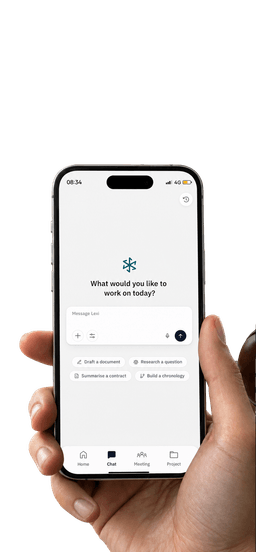
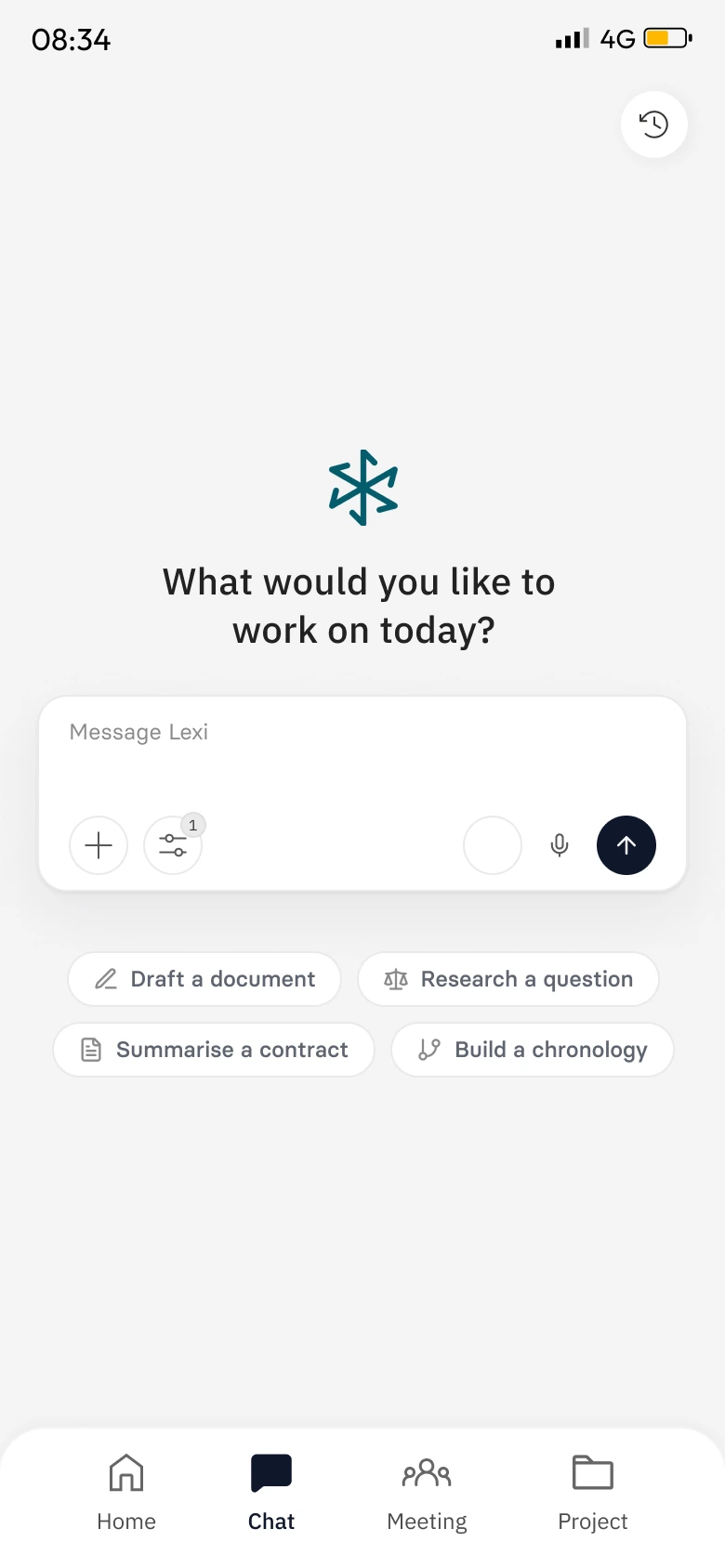
Everything the Lexi Web App does, on your phone. Research, review, draft and follow your matters wherever the day takes you.

The right matter context, even when you’re away from your desk.

The right context, wherever you are.

Everything the Lexi Web App does, in your pocket, so your matters keep moving when you’re away from your desk.

  • Matter access

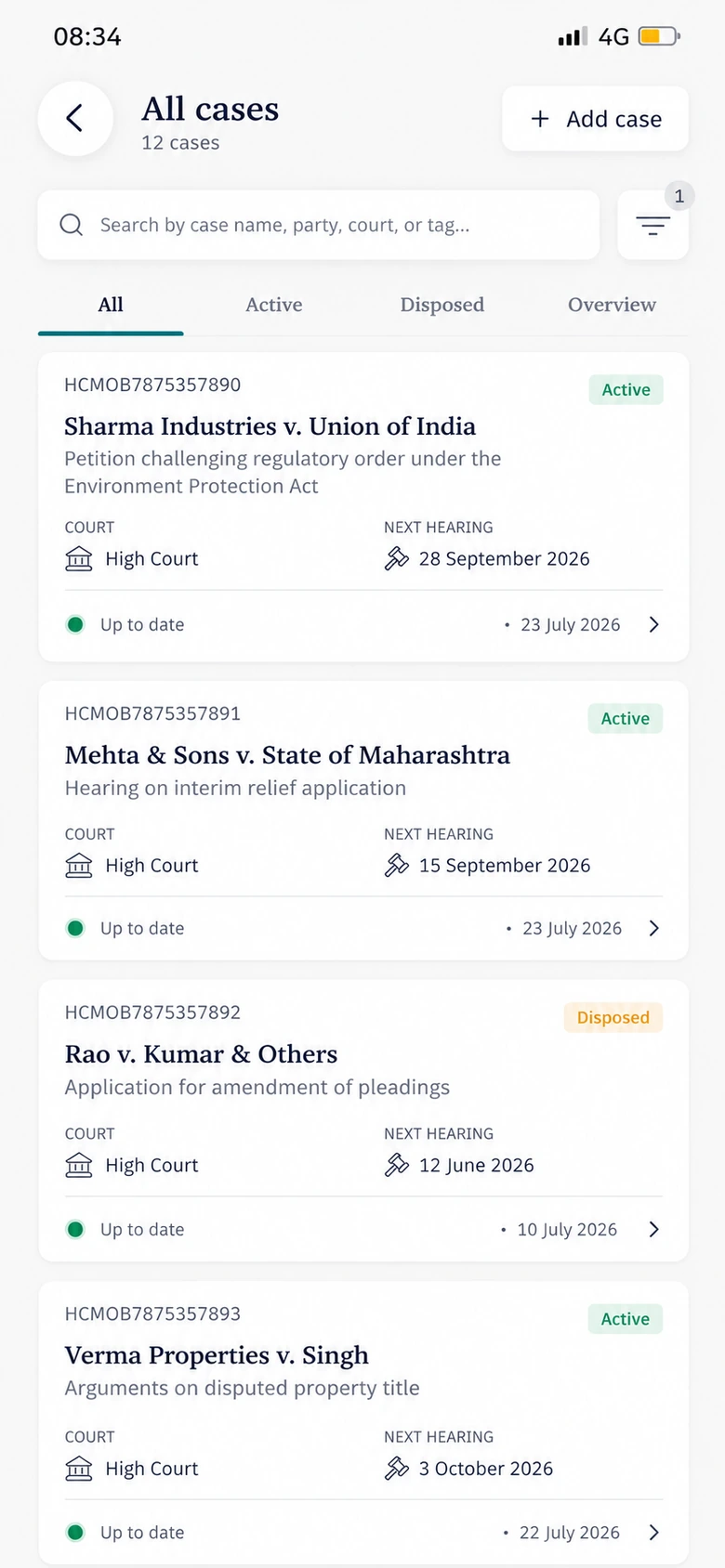
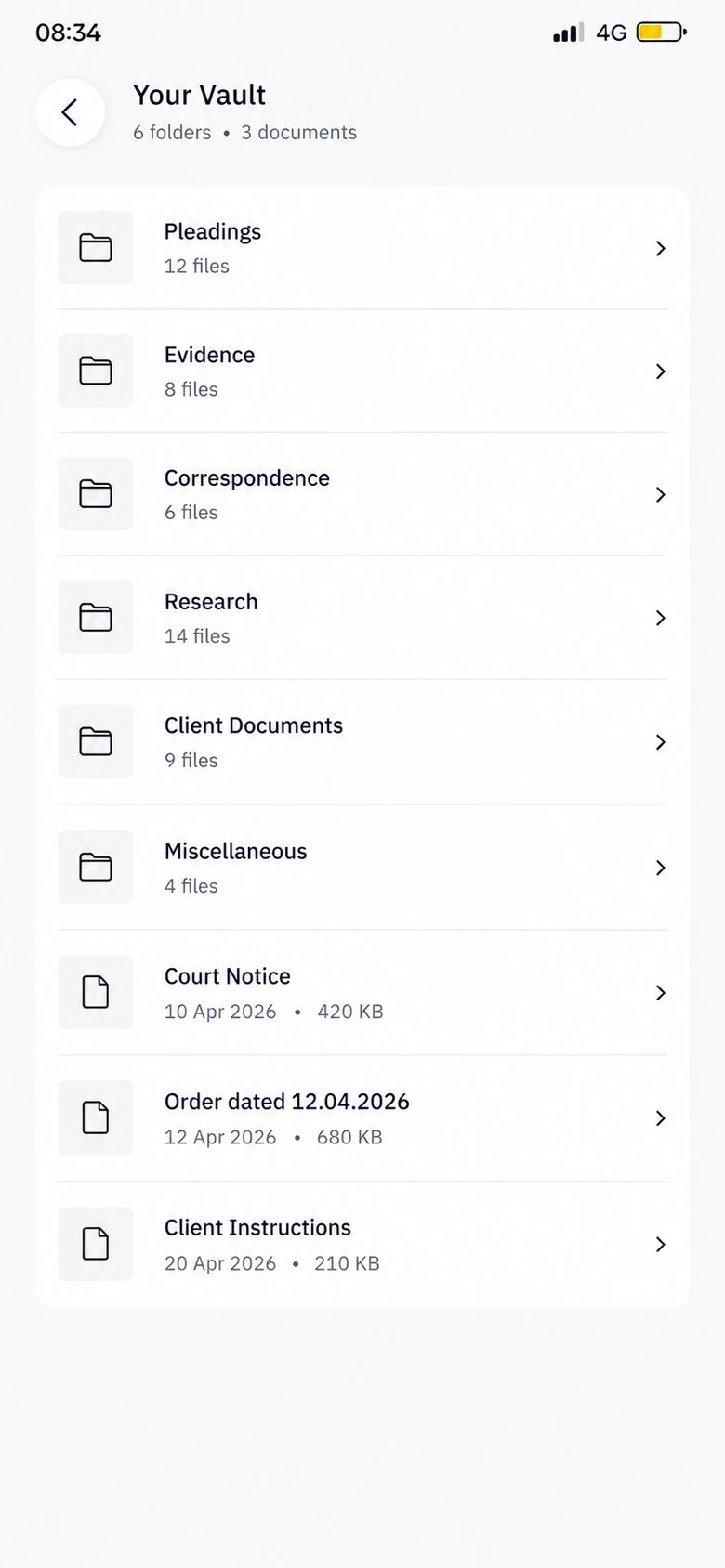
    Open any of your matters, with their files, dates and history, wherever you are.

  • Quick review

    Read documents and matter details in a clean view sized for your phone.

  • Legal questions

    Ask Lexi legal questions on the go and get answers with their sources cited.

  • Work updates

    See new orders, hearing dates and changes to your matters as they happen.

  • Key details

    Keep the parties, deadlines and latest order in view without opening your laptop.

  • Full workflow

    Research, review and draft on your phone, just as you would on the web.

  • Connected workflow

    Pick up on the web exactly where you left off on mobile, and the other way round.

  • Secure access

    Sign in with your Lexi account, with the same access to your matters as on the web.

Legal work that moves with you.

Review

A clear view of every matter

Open any matter on your phone and see its files, dates and latest orders in a layout made for a smaller screen.

  • Read every file in the matter
  • Switch between files, dates and notes
  • Check the details before you act
Iyer v. Brightmoor RealtyOverviewFilesDatesBefore you actLatest orderReadPartiesConfirmedReplyDue in 3 days

Continuity

One workspace, phone and web

Start on your phone and finish at your desk, or the other way round. Your matters, chats and drafts stay in step.

  • Pick up any matter where you left off
  • Ask, note and share from your phone
  • Carry on the same work on the web
Sen v. Halcyon MotorsHearing moved to 18 DecNew orderAskNoteShareContinue on webLexi Web AppDraft replyOpened from mobile

Documents

Answers from the document in hand

Open a contract or filing on your phone, ask Lexi a question and see the answer next to the clause it comes from.

  • Open the matter’s documents
  • Ask a question in plain words
  • See the clause behind each answer
Lease agreement14. Termination90 days’ written noticeWhen can the tenant leave?Lexi’s answerAfter the lock-in ends, with 90 days’ written notice.Cited sourceClause 14.2Page 6

From your pocket to done.

Open the app, find the matter and get the work done, on your phone or carried over to the web.

  1. Open Lexi on mobile

    Download the app and sign in with your Lexi account.

  2. Find the matter

    Every matter you can see on the web is there on your phone.

  3. Review the context

    Read the files, dates and latest orders, or ask Lexi about them.

  4. Get the work done

    Research, review and draft on your phone, or carry on at your desk.

FAQ’s

Everything you can do in the Lexi Web App, in a form built for your phone. We keep refining the mobile experience so it stays quick and smooth to use.

Yes. Every matter you have access to in Lexi is on your phone too, with its files, dates and history.

Yes. Upload files from your phone and review and draft documents just as you would on the web.

Use whichever suits the moment. Both do the same work on the same matters, so you can switch between them at any point.

See Lexi in action

See your legal work come together.

See how Lexi on mobile keeps your team’s work moving through the day.

Book a demo