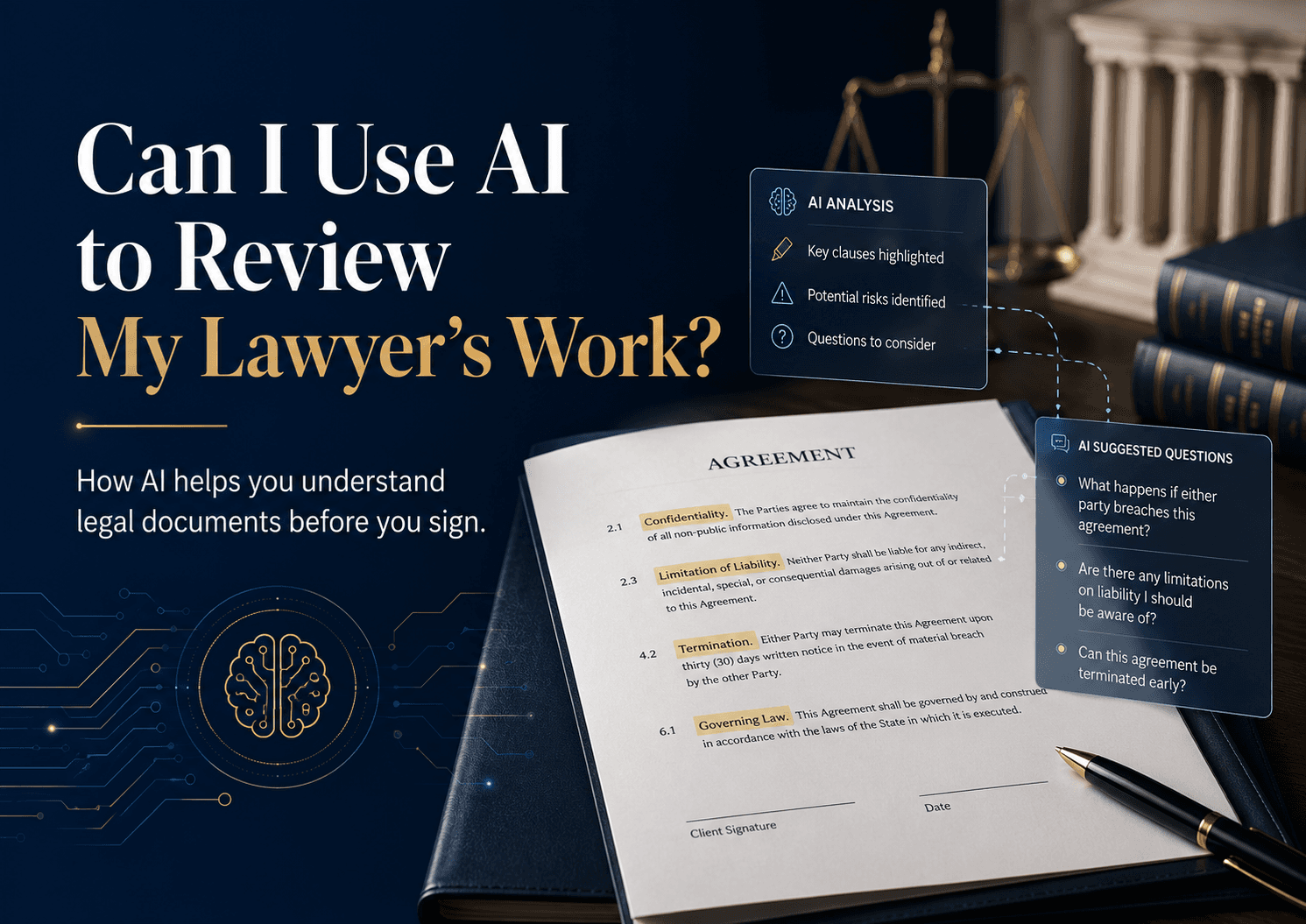
Yes — you can use AI to review a document your lawyer prepared or sent you, but the safest use is as a second set of eyes, not as a replacement for legal advice. AI can help you understand a contract, spot unclear or inconsistent clauses, and prepare better questions for your lawyer before you sign. It should not make the final call on legal risk, enforceability, or strategy.
Short answer: Yes. AI can help you understand legal documents, spot unclear or inconsistent clauses, and prepare better questions for your lawyer. It should not replace a lawyer’s advice on enforceability, negotiation strategy, or whether to sign.
Most people do not sign legal documents with full confidence. They skim the pages, rely on the professional in the room, and assume everything important has already been checked.
Trust matters. But trust should not require confusion.
Whether you are reviewing a lease, employment contract, vendor agreement, partnership deed, settlement, or business contract, you deserve to understand what the document says before you put your name on it. That does not mean you need to become a lawyer. It means you should be able to ask better questions and make better decisions.
This is where legal AI can help. Used properly, AI is a first-pass review layer that helps you read more carefully, identify language worth discussing, and walk into your lawyer conversation better prepared.
What using AI to review your lawyer’s work really means
In practice, the better question is not, “Can AI prove whether my lawyer missed something?” The better question is: “Can AI help me understand this document well enough to ask the right follow-up questions?”
For most situations, the answer is yes.
A lawyer brings legal judgment, negotiation experience, context, and accountability. AI brings speed, consistency, and the ability to scan long documents for patterns, gaps, and confusing wording. The strongest process combines both. If you want a broader view of where that line sits, see is AI-generated legal work reliable and is AI legal advice safe.
What AI can help you spot in a legal document
Legal documents are dense because small words can carry large consequences. A single sentence can change who pays, who is liable, when the agreement ends, or what happens if something goes wrong. AI can help surface those details faster.
Contradictory clauses
One section may allow termination on 30 days’ notice while another section creates a lock-in period that points the other way. AI can flag places where two provisions seem inconsistent so you can ask which clause should control.
Broad obligations and hidden exposure
Some clauses look harmless until you read how wide they are. Phrases like “all costs,” “any losses,” or open-ended responsibility can create far more exposure than a client expects. AI can spotlight that language so it gets proper attention.
Missing business terms
A document can sound legally polished and still fail to capture what the parties actually agreed. AI can help you check whether key terms appear to be missing, such as payment dates, deliverables, renewal mechanics, termination rights, service levels, or dispute steps.
One-sided risk allocation
AI can identify provisions that heavily favor one side, including broad indemnities, automatic renewals, strict penalties, narrow remedies, or aggressive limitation-of-liability language.
Plain-English explanations
Sometimes the main problem is not that a clause is obviously wrong. It is that you do not fully understand what it does. AI can translate dense drafting into simpler language so you know what to raise with counsel. For more on safe document review, see how accurate is AI legal document review and can AI review contracts.
What AI should not decide for you
AI can assist review, but it should not be treated as the final authority. It may flag language that is actually standard in your market. It may miss deal context your lawyer already knows. And it may explain a clause without being able to judge whether the risk is commercially acceptable for your specific situation.
Do not rely on AI alone for:
- Final legal advice
- Jurisdiction-specific enforceability questions
- Negotiation strategy
- High-value or high-risk decisions
- Deciding whether a clause should ultimately be accepted, rejected, or rewritten
That distinction matters because lawyers in many jurisdictions are expected to use technology competently and to verify important outputs rather than outsourcing professional judgment to a tool. Professional guidance varies by jurisdiction, but the general principle is consistent: use AI to assist review, not to replace legal analysis. The risks of overreliance are real — for example, the widely reported sanctions decision in Mata v. Avianca (S.D.N.Y. 2023) showed how unverified AI-generated content can create serious problems.
The best workflow: AI first, lawyer second
The most productive use of AI is before or alongside your legal review, not as a weapon after the fact.
- Run the document through a legal AI tool before your lawyer meeting.
- Ask for a plain-English summary of the document and the main obligations it creates.
- Ask the tool to flag unclear, one-sided, missing, or inconsistent clauses.
- Turn those findings into questions, not accusations.
- Take those questions to your lawyer and ask for context, advice, and recommended changes.
This makes lawyer time more useful. Instead of spending the meeting on basic explanation, you can focus on the points that require real judgment: what should be negotiated, what risk is acceptable, and what should change before signature. If you are building that workflow from scratch, see how to get started with legal AI and how lawyers can use AI safely.
How to bring AI findings to your lawyer without creating friction
The way you raise AI findings matters. Treat the output as a starting point, not a verdict. Curiosity works better than confrontation.
Useful questions include:
- Can you help me understand why this clause is drafted this way?
- Is this limitation standard for this kind of agreement?
- Does this clause match what we agreed commercially?
- Would you recommend changing this before I sign?
- Is this risk normal, or should we push back on it?
This keeps the conversation constructive. It gives your lawyer space to explain why a clause is appropriate, or to revise the document if the AI surfaced something genuinely worth revisiting.
A practical example: using AI to review a lease or rental agreement
Leases are a good example because many people read the rent, deposit, and move-in date, then stop. But the expensive issues are often buried in operational clauses.
Before signing, AI can help you review:
- Security deposit deductions and refund timelines
- Maintenance and repair responsibilities
- Lock-in periods and early termination penalties
- Notice periods for ending or renewing the lease
- Rent escalation, late fees, and payment defaults
- Restrictions on guests, pets, subletting, or business use
- Access, inspection rights, and handover obligations
These are not reasons to override your lawyer. They are reasons to understand the agreement more clearly before you commit.
Why lawyers often welcome better-prepared client questions
Clients are increasingly using AI to understand complex documents before meetings. When used responsibly, that usually leads to better questions, faster clarification, and more efficient legal review — not less need for legal advice.
For law firms and legal teams, tools like Lexi can support drafting, redlining, review, and legal research while keeping lawyers in control. Lexi helps teams draft in their own style, review and redline contracts, and run legal research with verified citations. Lexi reports use across 200+ organizations and law firms, with 5,000,000+ documents processed and 200,000+ cases handled. Learn more about Lexi for law firms, corporate legal teams, in-house counsel, and litigation teams.
A simple checklist before you sign
Before signing any important legal document, ask yourself:
- Do I understand my main obligations?
- Do I understand the payment terms, deadlines, penalties, and renewal rules?
- Do I know how the agreement can end?
- Have I checked for broad liability, indemnity, or penalty clauses?
- Have I asked my lawyer about anything the AI flagged as unclear or risky?
- Am I relying on legal advice for the final decision, not AI alone?
Conclusion
You can use AI to review your lawyer’s work if your goal is to understand the document better, catch possible issues early, and have a sharper conversation before signing. That is a smart use of technology. What is not smart is treating AI as the final judge of what is legally safe.
The better model is simple: let AI help you read, summarize, and question; let your lawyer advise, negotiate, and decide strategy. Together, they create a stronger review process than either one alone.
FAQ
Can I use AI to check a contract my lawyer sent me?
Yes. AI can summarize the contract, explain clauses in plain language, and flag terms that may deserve follow-up. You should still ask your lawyer to confirm anything material before signing.
Is it safe to use AI for a second opinion on legal documents?
It can be safe if you use a trusted legal AI tool carefully and treat the output as informational, not final advice. You should also consider confidentiality, data handling, and whether your matter involves sensitive information.
Can AI tell me if my lawyer made a mistake?
Sometimes it can highlight something worth revisiting, such as an inconsistency or missing term. But AI cannot reliably determine professional negligence or replace a qualified legal review. If you are concerned, ask another lawyer to review the document and check your local professional rules.